
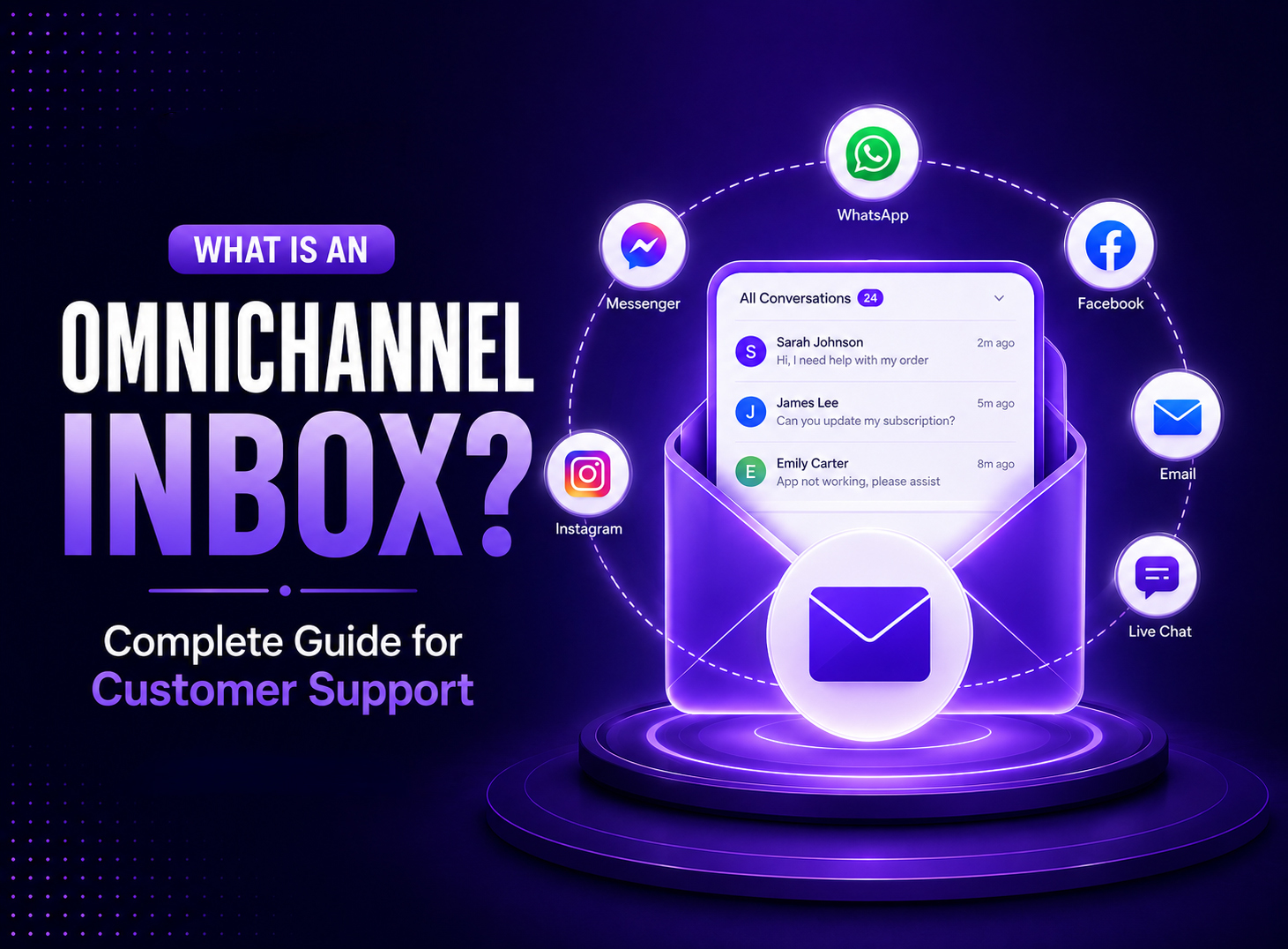
Imagine a customer messaging your business on WhatsApp because they received an order late. Almost an hour later, they emailed the company with the same question, yet nobody responded. After a couple of hours, the customer took the matter to live chat support, repeating their entire story, but sadly, a third agent who had no clue what happened during the previous two conversations attended it. Technically speaking, if you multiply that experience by hundreds of customer queries a day, just imagine the nightmarish situation you are in.
One answer: Your customer is super frustrated with every handoff.
This is the exact problem an omnichannel inbox is built to solve, and it sits at the core of what modern Omnichannel Customer Support looks like in practice.
Nowadays, support agents are responding through multiple channels, which include phones and emails. Customers are now more digitally savvy and often use multiple channels (an average of nine different channels) to deal with a single organization.
Frustratingly, many support systems weren’t particularly designed to keep up with that.
What Is an Omnichannel Inbox and How It Works?
As the name suggests, an omnichannel inbox is a single workspace where every customer conversation, irrespective of the channel on which it is initiated, lands in one place.
This helps customer support agents get the full context of what’s happening.
Now, instead of agents logging into five different channels like WhatsApp Business, Instagram, and live chat, they get everything funneled into a single shared inbox, which any authorized team member can instantly access and respond to customers in real time.
The mechanics behind this are straightforward once you break them down.
Centralizing Customer Conversations
In an omnichannel inbox, every channel connected feeds into a single queue. Let’s say, if a customer emails, texts, or messages a support agent on a social media, live chat or SMS, they may all fall in the same centralized inbox providing everything in one-place.
It gives the full context of one ongoing relationship with the customer.
This way, your agents won’t have to switch between browser tabs or separate logins to find where a conversation is actually going or feel disconnected from the scenario.
Connecting Multiple Communication Channels
Behind the scenes, the omnichannel inbox connects to every channel through an API or a native integration which pulls messages in and pushes replies back out through the same channel the customer used. A reply sent from an omnichannel inbox to a WhatsApp conversation shows up on the customer’s WhatsApp app exactly as if the agent had typed it directly. The customer never notices the switch and they just see a normal business responding back to their queries in their hour of need.
Creating a Unified Customer Timeline
You can organize all messages from a customer and attach it to a single customer profile. It keeps all information intact related to every past interaction irrespective of whether it happened on chat, email, or social media. So, when an agent opens a new conversation in an omnichannel inbox, they can simply scroll back through everything that customer has said before despite which channel they used to interact with customer support. It’s the single most valued thing about omnichannel setup that separates it from a business which juggles through multiple accounts on different platforms to a single dashboard.
Channels That Support an Omnichannel Inbox
An omnichannel inbox works by extracting information in the channels customers already use. It doesn’t force them into using a new one. The channels it supports are:
- Email – still the backbone of formal support requests and detailed troubleshooting.
- WhatsApp Business – widely used outside the US for order updates, quick questions, and even payment confirmations.
- Facebook Messenger – common for pre-sale questions and social media complaints.
- Instagram Direct Messages – increasingly used by younger customers and ecommerce shoppers who discover products through Instagram posts or ads.
- Live Chat – embedded directly on a website, ideal for real-time questions during checkout.
- SMS – short, direct messages for time-sensitive updates like delivery windows or appointment reminders.
- Telegram and Other Messaging Apps – relevant for businesses with international customers or tech-savvy audiences.
Some advanced AI powered or cleaner platforms also connect voice calls and video calls into the same inbox. It logs in phone conversations, alongside email history & chat.
What Are the Key Features of an Omnichannel Inbox?
Not every tool that calls itself an omnichannel inbox actually functions like one.
Here are some of the features which makes them different:
- Shared Team Inbox – all agents see the same queue, preventing two people from replying to the same customer at once.
- Conversation Assignment – conversations get assigned to a specific agent or team, so ownership is always clear.
- Conversation Routing – In conversation routing, incoming messages get directed automatically based on channel, topic, language, or workload.
- Internal Notes – agents can leave comments visible only to the team, useful for flagging a difficult case before escalating it.
- Customer Profiles – each customer has a record showing contact details, order history, and past conversations in one view.
- AI Reply Suggestions – the system drafts a response an agent can edit and send, cutting typing time on repetitive questions.
- Customer Automation Rules – triggers that tag, assign, or close conversations based on set conditions, without manual input.
- Conversation History – a searchable log of every past exchange with that customer, across every channel.
- Tags and Labels – used to categorize conversations by issue type, priority, or product line for easier reporting.
- Saved Replies – pre-written templates for common questions, so agents aren’t retyping the same answer all day.
- File Sharing – agents and customers can exchange screenshots, invoices, or documents inside the same thread.
- Search and Filters – find any conversation quickly by customer name, keyword, channel, agent, or date.
What Are the Main Benefits of an Omnichannel Inbox?
Faster Response Times
Since most conversations are visible in a single queue rather than coming from multiple different apps, agents are more familiar with picking up new messages sooner and avoiding any unnecessary delays. They don’t juggle through multiple platforms to respond, which makes management altogether a whole lot easier. Speed is important in customer support because end customers expect quick answers. Almost half of customers claim that they often stop doing business with a company if wait times get too long on a channel.
Improved Customer Experience
Customers usually don’t have to explain their problem from scratch to every other support agent they connect with. One of the most frustrating things for them is having to go over the same problem thrice through different platforms. With an omnichannel inbox, support teams use an interconnected environment, which translates into customer satisfaction scores of up to around 67%. Almost 28% of businesses running disconnected multichannel systems explain how they feel frustrated when they have to face the music.
Higher Agent Productivity
Support agents tend to spend less time hunting for context. They have more time to resolve issues for their customers, and the best part is that they don’t have to constantly tool switch. Constant tool switching is one of the most common complaints among support and CRM teams, with a large share of leaders reporting that it slows down ticket resolution.
Consistent Communication
Whether a customer writes in on email or Instagram, they get the same tone, the same information, and the same level of service.
There’s no gap between “the good channel” and “the channel nobody checks.”
Better Collaboration
Customer support teams can take internal notes, have shared ownership, and gain access to visible conversation history, which means support agents can hand off a case to any team member without having to go through explaining the whole background to them.
Nobody has to reconstruct the story from scratch.
Improved Customer Retention
Last but not least, customers who don’t have to repeat themselves are the most satisfied ones. They get resolved faster and are less likely to return with their problems.
Businesses that run unified support often report incredible gains in customer loyalty and lifetime value compared to businesses that don’t pay much attention to it.
Omnichannel Inbox vs Multichannel Inbox
The two terms get used interchangeably, but they describe fundamentally different setups.
A multichannel setup is where a business is available on multiple platforms like email, chat and social media but each runs in its own silo.
An omnichannel setup is which removes the silos and unify all conversations in a single channel as one entry point into a single conversation.
How AI Improves an Omnichannel Inbox
AI has become a standard layer in modern support software rather than an add-on.
According to some vendors, customer interactions in the next couple of years will come from AI support agents (however, with human supervision and control).
This is how AI improves omnichannel inbox experience:
- Automatic Ticket Routing – AI reads incoming messages and assigns them to the right agent or team based on topic, urgency, or customer history, cutting the manual sorting work.
- AI Chatbots – AI chatbots handle repetitive, low-complexity questions like order status or return policies, freeing agents for issues that need judgment.
- Suggested Responses – The system drafts a reply based on similar past conversations, which an agent reviews and sends rather than typing from scratch.
- Sentiment Analysis – AI flags conversations where a customer sounds frustrated or upset, so they can be escalated before the situation gets worse.
- Conversation Summaries – Long threads get condensed into a short summary, helping agents catch up on a case quickly when they weren’t part of the original conversation.
- Intent Detection – The system identifies what a customer actually wants, whether that’s a refund, a technical fix, or a general question, and routes or tags the conversation accordingly.
The most effective setups tend to use AI for specific routine inquiries, somewhere around 30 to 40 percent. And, routes anything complex to a human agent for emotional resolve.
What Are the Important Integrations of an Omnichannel Inbox
An inbox works best when it connects to the other systems a support team already relies on:
- CRM Platforms. Syncs customer records, deal history, and contact details so agents see the full account picture without switching tools.
- Ecommerce Platforms. Pulls in order status, shipping details, and purchase history directly into the conversation, which matters most for retail and DTC brands.
- Marketing Automation. Shares customer data with marketing tools so support interactions can inform segmentation and follow-up campaigns.
- Knowledge Base. Lets agents pull help articles directly into a reply instead of typing out the same explanation repeatedly.
- Workflow Automation. Connects to tools like Zapier or Make so conversations can trigger actions in other systems, such as creating a task or updating a spreadsheet.
What Are the Best Practices for Managing an Omnichannel Inbox?
Set Response Time Goals – Define a target for first response and resolution on each channel, since customers expect near-immediate replies on live chat but will tolerate a slower turnaround on email.
Create Routing Rules – Set up rules based on topic, language, or agent skill so conversations reach the right person the first time instead of bouncing between teams.
Use Automation Carefully – Automate the repetitive parts of the workflow, tagging, initial routing, closing resolved tickets, but keep a human in the loop for anything that involves a judgment call or an upset customer.
Train Support Agents – Make sure agents know how to read the full customer timeline before replying, not just the most recent message, so they don’t ask a customer something already answered on another channel.
Monitor Customer Satisfaction – Track CSAT, first contact resolution, and average handle time by channel so you can see where the setup is working and where it still needs adjustment.